Why agencies get stuck on alt text
Alt text looks like a checklist item until you open Media Library. Product photography, blog heroes, client logos, and decorative backgrounds all need different decisions. Juniors hesitate. Seniors become the bottleneck. The remediation slips to “phase two,” then never ships.
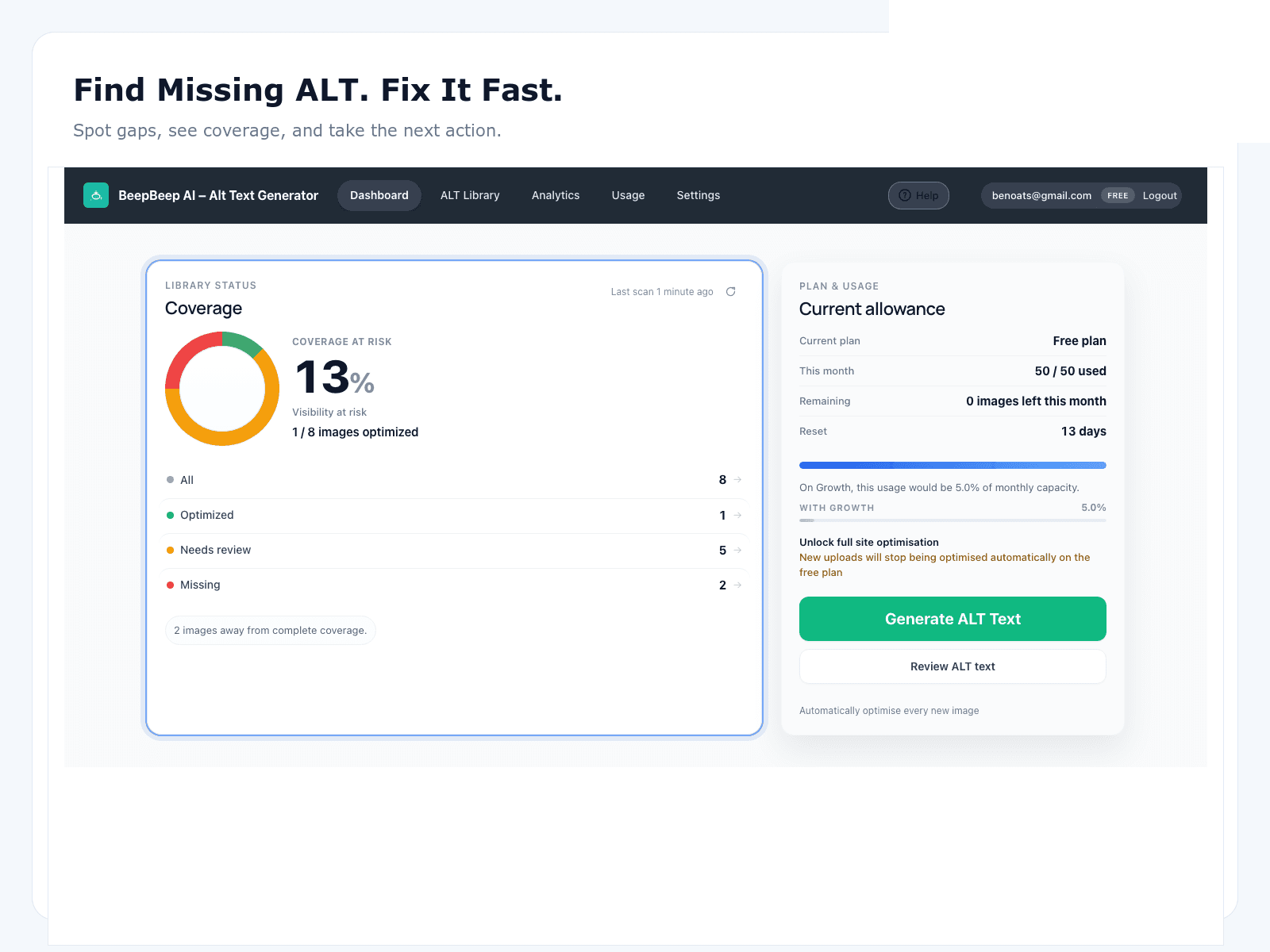
The commercial problem is worse than the editorial one: clients hear “WCAG” and “image SEO” and expect proof. Agencies need a coverage narrative—what % was empty, what got fixed, what still needs human judgment—and a delivery system that doesn’t erase margins.
How to scope remediations without underpricing
Price from inventory, not optimism:
- Count informative images missing alt (not total uploads).
- Segment by type: products, posts, pages, embeds if relevant.
- Estimate review minutes per image after drafting—not writing from zero.
- Carve decorative images out of the billable queue with an explicit rule.
- Define “done”: % coverage + sample QA pass, not “every image forever.”
The full Agency Alt Text Remediation Guide walks SOW language and delivery phases.
Audit → draft → review → report
- Audit: establish baseline coverage with exports clients understand.
- Draft: generate first-pass alt for empty informative images in priority order.
- Review: humans approve or edit before save—especially for regulated or brand-sensitive work.
- Report: show coverage lift and remaining exceptions; schedule light maintenance for new uploads.
QA standards clients actually accept
- Describe what the image shows that nearby text doesn’t already say.
- Prefer specific nouns over vague SEO filler.
- Skip keyword stuffing and filename echoes.
- Mark decorative images empty where appropriate.
- Flag uncertain AI drafts for senior review instead of silent publish.
Pair that rubric with the WCAG checklist when accessibility is in the contract—without claiming whole-site WCAG conformance from alt text alone.
Coverage reporting that renews retainers
Clients renew when they see progress they can defend to stakeholders. Lead with coverage %, sample quality notes, and a maintenance plan. The composite agency case study shows how teams narrate before/after without inventing named-client ROI theater.
Where OpptiAI fits in delivery
OpptiAI is the drafting + review layer for WordPress Media Library and WooCommerce catalogues. It does not replace project management, design QA, or accessibility audits. It replaces the slowest part of remediations: inventing thousands of first drafts by hand.
Agency resources
Agency Alt Text Remediation Guide
SOP-style playbook: scope, audit, remediate, QA, report.
Agency coverage case study
Composite before/after narrative for client reporting.
For accessibility teams
WCAG-minded process without conformance theater.
Free WordPress alt text audit
Baseline coverage before you open the SOW calculator.
FAQ
Should agencies bill alt text separately or include it in accessibility retainers?
Either works if the SOW is explicit. Many agencies sell a remediation package (audit + first-pass coverage) then move to a lighter monthly top-up. What fails is silent inclusion of “write all alt text” inside a fixed build fee with no hour estimate.
How do we prove coverage to a client without naming individual images?
Report percentage of informative images with non-empty alt, sampled quality notes, and before/after counts by content type. Pair that with an audit export clients can re-run themselves.
Can junior staff review AI drafts?
Yes—if you publish a short QA rubric (specificity, no keyword stuffing, decorative vs informative) and spot-check by page type. OpptiAI’s review-before-save model is designed so juniors approve drafts instead of inventing every string from scratch.
Is this only for WordPress agencies?
OpptiAI’s plugin path is WordPress-first. The scoping and QA patterns apply to any CMS; the automation and Media Library workflow are WordPress/WooCommerce specific.
Where should we send clients who want more detail?
Share the Agency Alt Text Remediation Guide for process depth, and the agency case study for a composite before/after narrative. Use this page as the commercial overview.