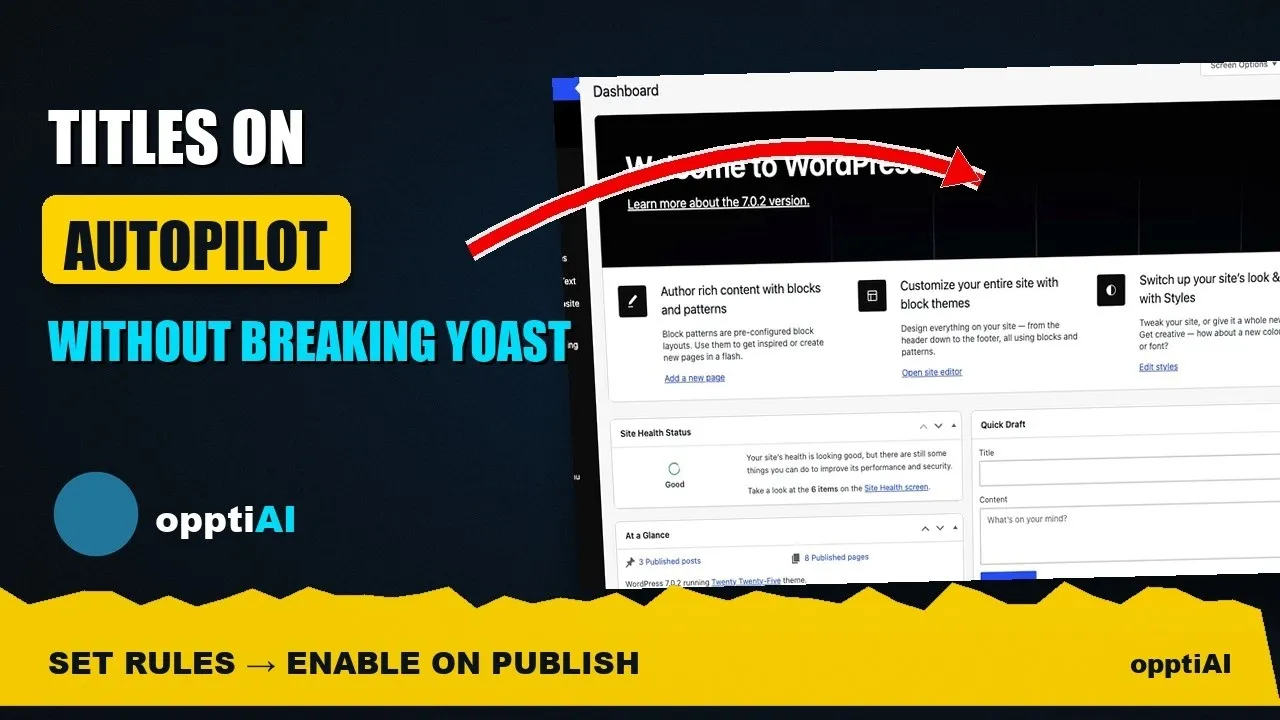
WordPress Title Autopilot That Won't Fight Yoast
Manual title fixes don't stay fixed once new pages publish. Here's how to set up WordPress title and meta description autopilot without breaking Yoast, Rank Math, or AIOSEO.
Fix a batch of title tags this week and you'll be back to fixing title tags again in a month. New posts publish with a default title. New product pages come in from a feed with no meta description at all. The audit you did in August doesn't cover anything written in September, so the same gap reopens on a rolling basis regardless of how thorough the last cleanup was.
Autopilot writes a title and meta description when a post is published or updated and those fields are empty. See plans for details. Autopilot is included in Starter, Growth and Agency. It solves the recurrence, not the original backlog. It's the difference between fixing titles once and having titles stay fixed as the site keeps publishing.
Why manual fixes don't stay fixed
A one-off title audit treats the site as a fixed snapshot: crawl it, find the gaps, rewrite the worst offenders, done. But a WordPress site isn't fixed — it's a stream. Every new post, every new WooCommerce product, every imported page from a migration or a content partner arrives with whatever title the CMS defaulted to, usually the raw post title with no meta description at all.
Within a few weeks of a manual cleanup, the newest 5–10% of the site has already reverted to the pre-cleanup state, just on different URLs. The health score improves after every audit and then quietly erodes until the next one. Autopilot changes where the fix happens — from a periodic sweep to the moment of publish, so nothing new ever enters the backlog in the first place.
What autopilot actually does
Autopilot for titles and meta descriptions runs on a simple trigger: when a post is published or updated, it checks whether the title and meta description are empty, and if they are, it writes them straight away. It does not rewrite a field that is already filled, and it does not rewrite weak titles. You can edit or undo a page any time.
Three things make this different from a one-time bulk fix:
It's continuous. New content is covered from the moment it publishes, not from the next time someone remembers to run an audit.
It's rule-based, not one-size-fits-all. You set tone, title length target, meta description length target, and any custom instructions once, and every fill follows those rules, so a product page and a blog post don't get identical templated titles.
It coexists with your existing SEO plugin. Autopilot reads and writes the same title and meta fields Yoast, Rank Math, and AIOSEO already manage. It doesn't add a competing field, override your existing plugin's output without your say-so, or require picking one tool over the other.
A practical walkthrough: setting up title autopilot
- Check the sitewide health snapshot first. Before turning on autopilot, look at where the site stands today — how many pages have missing, duplicate, or out-of-range titles. This is your baseline, and it tells you whether you need a one-off backlog pass in addition to autopilot for new content.
- Set your writing rules. Configure tone (matter-of-fact, promotional, technical — whatever matches your brand voice), target title length, target meta description length, and any custom instructions (a phrase to always include, a phrase to avoid, a brand name to keep out of the character count crunch).
- Turn it on. Autopilot fills a title and meta description when a post is published or updated and those fields are empty. It does not rewrite a title or meta description that is already filled.
- Enable it. From then on, a post with an empty title or meta description gets those fields filled when it is published or updated.
- Read a few new posts. The results are already saved. Edit wording that needs it, or undo a page. There is no queue and no rejection list.
- Re-check compatibility after any SEO plugin update. Yoast, Rank Math, and AIOSEO occasionally change how they read the title/meta fields. A quick spot-check after a major plugin update confirms autopilot's output is still showing correctly in your plugin's own preview.
Frequently asked questions
Will autopilot overwrite titles my SEO plugin already generated?
No. Autopilot only fills a title or meta description when that field is empty, including when a post is published or updated. It does not rewrite weak titles, and it does not replace a title or meta description Yoast, Rank Math, or AIOSEO already stored.
Does autopilot work the same way for WooCommerce products as it does for blog posts?
The fill is the same, but the writing rules are usually different. A product title benefits from including the product type, key attribute, or brand where a blog post title benefits from matching search intent phrasing. Setting separate custom instructions for your product post type versus your blog post type, rather than one rule set for everything, gets noticeably better results on sites that publish both.
What happens if I turn off autopilot later — do previously generated titles disappear?
No. Autopilot only writes to the standard title and meta description fields your SEO plugin already reads from, the same fields a human editor would type into manually. Turning Autopilot off stops it filling empty fields on publish or update. Titles and meta it already wrote stay in the normal SEO fields.
Fixing a title backlog once is a few hours of work. Keeping it fixed as the site keeps publishing is the part that actually needs automation. OpptiAI Titles runs the health check and fills empty titles and meta descriptions when a post is published or updated. Autopilot is included in Starter, Growth and Agency. It stays out of the way of whichever SEO plugin you're already running.
Related Posts
Does OpptiAI Titles Conflict With Rank Math?
Rank Math stores title and meta description in its own fields. Here's exactly how OpptiAI Titles reads and writes around them without a conflict.
Internal link anchor text in WordPress: what to write and what to avoid
Anchor text tells readers and search engines what the linked page is about. Practical rules for internal link anchors in WordPress, with examples of what to write and what to stop using.
Duplicate title tags in WordPress: how to find them
Duplicate SEO titles make pages compete and get rewritten by Google. Where duplicates come from in WordPress, how to find them, and how to fix them with Yoast, Rank Math or AIOSEO.