Before: Generic alt text
“A person sitting at a desk using a laptop”
SEO score42/100
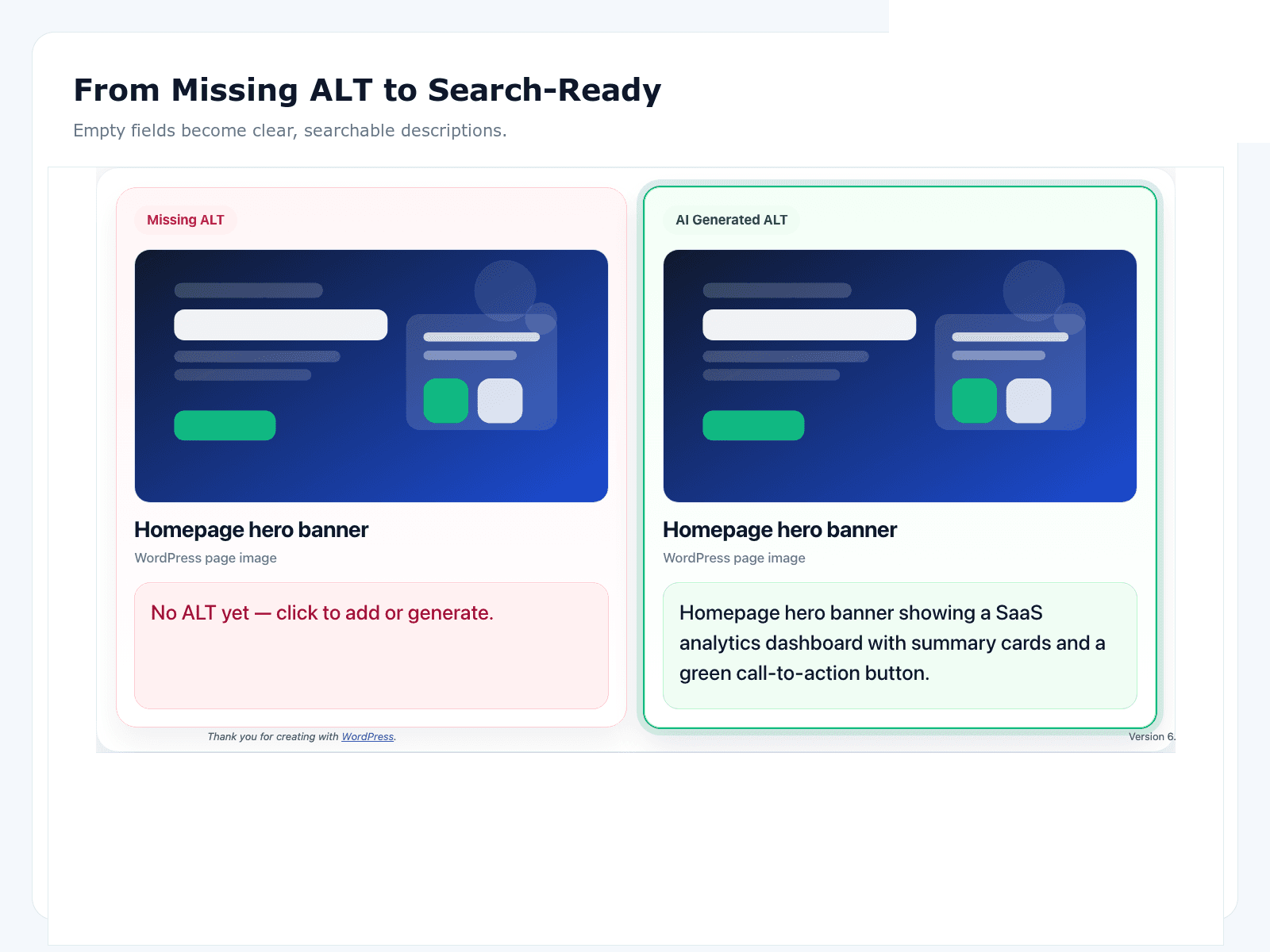
This page shows a real alt text example comparing generic AI output against SEO-optimised alt text in WordPress. If you are evaluating an AI alt text tool, this gives you a practical before and after alt text benchmark.
Illustrative score change for the example copy below: +49 points
“A person sitting at a desk using a laptop”
“Digital marketer analysing SEO performance on laptop dashboard in modern workspace”
The first version is generic. It describes the image, but it does not include meaningful search intent. The improved version adds context that search engines can map to WordPress image SEO queries like marketing dashboard, SEO performance, and workspace context.
This is the difference between basic description output and SEO-optimised alt text: better relevance, better image indexing potential, and stronger alignment with your page topic.
Use OpptiAI Alt Text Generator to scan your media library, surface weak alt tags, and improve them in bulk. Start with this workflow from the plugin page.
Good alt text is specific, descriptive, and keyword-relevant without stuffing. It should describe what is actually in the image and align with page intent so search engines can understand and rank the image correctly.
Yes. Alt text is one of the strongest signals for Google Image Search because it helps search engines interpret visual content. Better alt text improves image discoverability and can support page-level relevance.
Generic alt text only labels an image at a high level, like "person with laptop." SEO-optimised alt text adds useful context and search intent, such as role, object, and scenario details that match how users search.
Yes, when the tool is designed for SEO workflows. OpptiAI Alt Text Generator scans existing WordPress images, identifies weak alt tags, and generates alternatives you can review before saving.
More resources: image SEO blog and plugin documentation.