Add Alt Text in WordPress Without an OpenAI API Key
Most WordPress alt text plugins make you set up an OpenAI account and paste in an API key. Here's how to skip that entirely and still get accurate results.
Quick summary
- Most WordPress alt text plugins require you to create an OpenAI account, generate an API key, and paste it into settings — that's friction most site owners never get past
- Plugins with managed backends handle the AI processing for you, so there's no API key to configure, no per-token billing to monitor, and no key rotation to worry about
- Most useful for: WordPress developers setting up client sites, solo site owners who want alt text without the technical overhead, and agencies managing multiple installations
If you've tried to add alt text to WordPress images using a plugin, you've probably hit the same wall: step one of the setup instructions says "create an OpenAI account and paste your API key here."
For a developer maintaining five client sites, that's five API keys to manage, five OpenAI accounts to monitor for billing, and five points of failure when a key expires or hits a rate limit. For a non-technical site owner, it's often where the process stops entirely.
The API key requirement isn't a technical inevitability. It's an architecture choice — and not every plugin makes it.
Why Most Alt Text Plugins Require an API Key
The majority of WordPress alt text plugins work as thin wrappers around OpenAI's vision API. They send your images to OpenAI, get a description back, and write it to your media library. The plugin itself doesn't process anything — it just brokers the connection.
That means you need your own OpenAI account, your own API key, and your own billing arrangement with OpenAI. The plugin developer doesn't touch the AI costs; you absorb them directly.
This model has some advantages. You control the API relationship. You can set spending limits. If you're already using OpenAI for other projects, you might prefer centralised billing.
But for most WordPress site owners — and for developers managing multiple client installations — the drawbacks outweigh the benefits:
Setup friction kills adoption. A non-technical site owner who searched "fix alt text WordPress" doesn't want to create an OpenAI developer account, navigate API key generation, understand token-based billing, and then return to WordPress to paste a key into a settings field. That's four steps before the plugin does anything at all. Most people abandon the process.
Per-client API keys don't scale. If you're a developer or agency installing an alt text plugin across 15 client sites, you need 15 separate API key configurations. Each one is a potential support ticket when the key expires, the billing method fails, or the client accidentally deletes it from their OpenAI dashboard.
Billing is unpredictable. OpenAI's vision API charges per token. Processing a 500-image media library might cost $3 or $15 depending on image complexity and description length. For a client who expected "free plugin," that's an uncomfortable conversation.
The Alternative: Managed Backend Plugins
A different architecture eliminates the API key entirely. Instead of making you bring your own OpenAI credentials, the plugin connects to its own backend service — one that handles the AI processing on your behalf.
From the user's perspective, the difference is immediate: install the plugin, open the dashboard, generate. No accounts, no keys, no configuration.
Here's what that looks like in practice with OpptiAI Alt Text (disclosing that I built it):
Step-by-step: first alt text without an API key
-
Install from WordPress.org — search "OpptiAI Alt Text" in your plugin directory, install, and activate. No different from any other plugin installation.
-
Open the OpptiAI dashboard — it appears in your WordPress admin sidebar. No settings page to configure first. No API key field.
-
Select images and generate — choose images from your media library (or WooCommerce product catalog), hit generate, and the plugin sends them to its managed backend for processing.
-
Review the results — generated alt text appears in a review queue. You can approve, edit, or reject each description before it writes to your database. Nothing saves automatically.
-
First result in under 60 seconds — 10 guest generations, then 25/month on Free. No payment details required to start.
That's the entire setup. The managed backend handles the AI model, the infrastructure, and the billing. You get a credit-based plan with clear limits instead of unpredictable per-token charges.
What to Check When Evaluating No-API-Key Plugins
Not all managed-backend plugins are created equal. If you're evaluating options, here's what matters:
Does it actually require no accounts at all? Some plugins say "no API key" but still require you to create an account on their service before generating. Check whether the plugin works immediately after activation or whether there's a hidden registration step.
What happens when credits run out? A well-built plugin shows you a clear credit counter, tells you when credits reset, and fails gracefully — meaning your site continues to function normally, and images that weren't processed simply don't get alt text until credits renew. A poorly built one fails silently or, worse, breaks something.
Is the image data handled responsibly? When a managed backend processes your images, they're transmitted to an external server. Check the privacy policy: are images stored after processing, or deleted immediately? For sites handling sensitive content — medical imagery, client photography, proprietary product designs — this matters.
Can you still review before saving? Automation without oversight is a risk. The plugin should let you see what the AI generated and approve it before anything writes to your database. This is especially important for WCAG compliance, where inaccurate alt text can be worse than missing alt text.
For Developers: What This Means for Client Work
If you manage WordPress sites for clients, the no-API-key architecture changes your workflow materially:
Standardised setup across all sites. Install, activate, generate. The same three steps on every client site. No per-client API configuration, no OpenAI account management, no billing surprises.
No support tickets from expired keys. API keys expire. Billing methods fail. Clients accidentally delete credentials. With a managed backend, none of these are your problem — the plugin handles its own infrastructure.
Predictable costs. Credit-based plans have fixed monthly limits. You know exactly what the plugin will cost on each client site, every month. That's easy to build into a maintenance retainer.
Graceful failure. If credits are exhausted, OpptiAI Alt Text shows a clear dashboard message with the reset date. It doesn't throw PHP errors, break the media library, or leave clients staring at a white screen. For a developer whose reputation rides on the plugins they recommend, graceful failure behaviour isn't optional — it's the minimum bar.
If you're building alt text into your standard site audit or build workflow, the bulk processing approach pairs well with this — run a bulk generation pass, review the queue, and move on.
Frequently Asked Questions
Why do most alt text plugins need an OpenAI API key?
Because they use a pass-through architecture: the plugin sends your images directly to OpenAI's API using your credentials. This is simpler for the plugin developer to build and maintain — they don't need to run their own backend infrastructure. The trade-off is that setup complexity and billing unpredictability land on you, the user.
Is there a free alt text plugin that doesn't require API setup?
Yes. OpptiAI Alt Text gives you 10 guest generations, then 25/month on Free. The entire process — install to first generated alt text — takes under 60 seconds with no API keys and no billing configuration to start. Other plugins in this space vary; check whether "free" means free-to-install-but-bring-your-own-API-key, or genuinely free to use.
What happens if the alt text generation service goes down — will my site break?
No. Alt text is stored as metadata in your WordPress database — the same field you'd type into manually. Once alt text is written to an image, it stays there regardless of whether the plugin is active or the backend service is available. If the service is temporarily unavailable, the plugin simply can't generate new alt text until it's back. Your existing images, alt text, and site functionality are unaffected.
If you've been putting off adding alt text because the setup felt like more overhead than it was worth, try a plugin that doesn't ask you to configure anything. OpptiAI Alt Text is free to install from WordPress.org — first result in under 60 seconds, no API key needed.
Related Posts
Block Editor Alt Text vs Media Library: Why They Differ
WordPress stores alt text in more than one place. Here's why block editor and media library alt text can disagree, and where the real value lives.
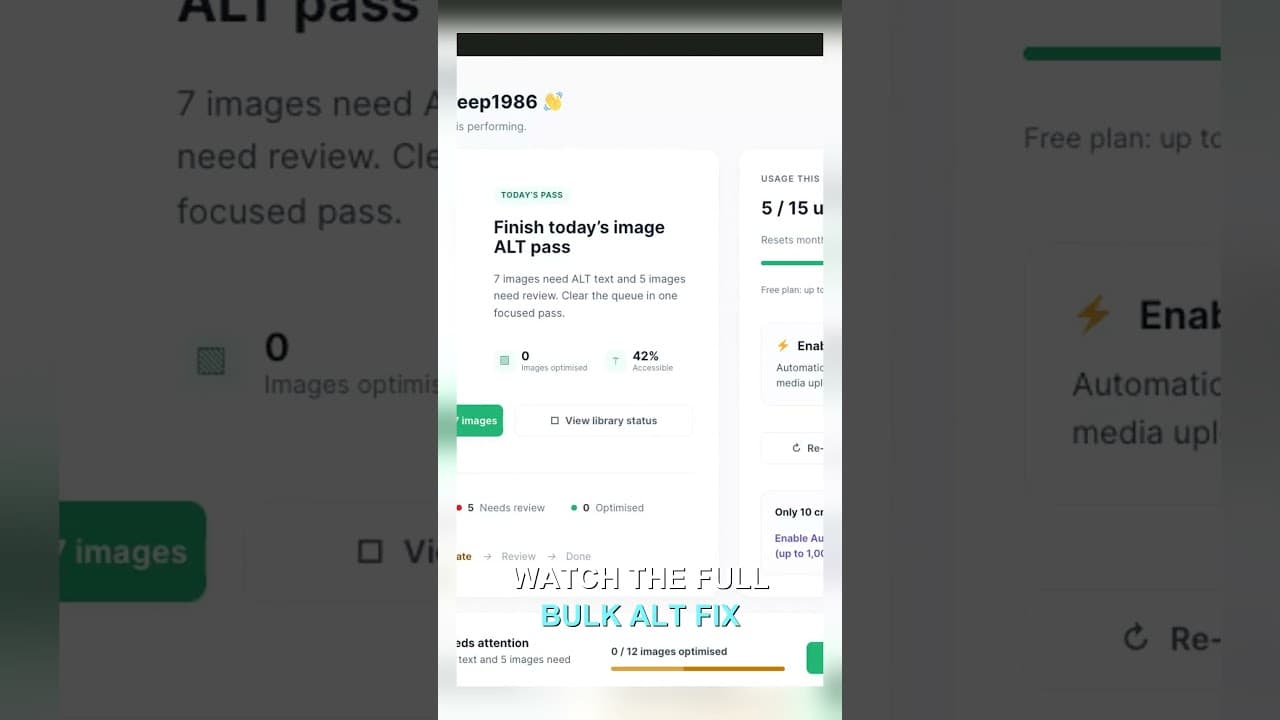
Filter Your Media Library to Missing Alt Text First
Scrolling the whole media library to find missing alt text wastes most of your session. Filter to what's actually missing, then work that list.
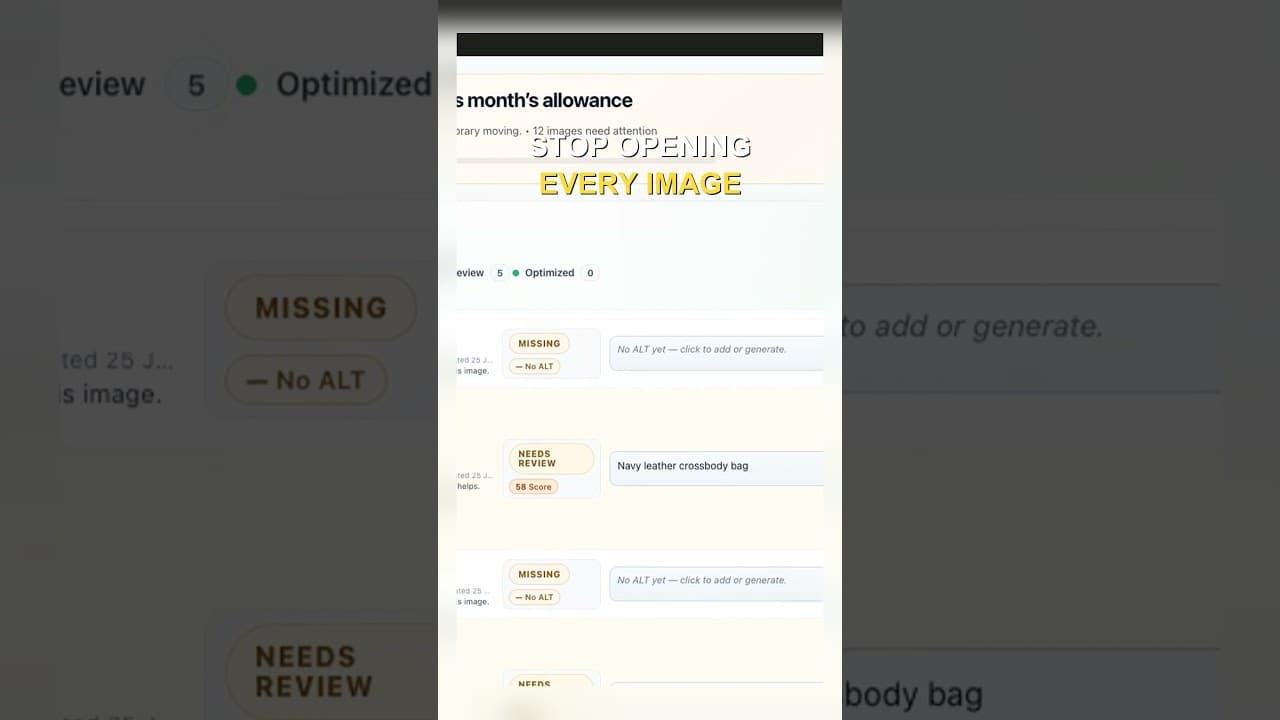
Edit Alt Text Without Opening Every Image
Opening the attachment modal for every image before you can edit alt text is the slowest part of the job. Here's how to edit from the list instead.